Support
Wuthering Waves Cheats Troubleshooting: Loader, Menu, and Overlay
Aug 24, 2026 · Updated Nov 21, 2026 · 4 min read
Fix common Wuthering Waves Cheats problems on PC: waiting for the game window, a dead menu key after a patch, Defender flags, and overlay capture.
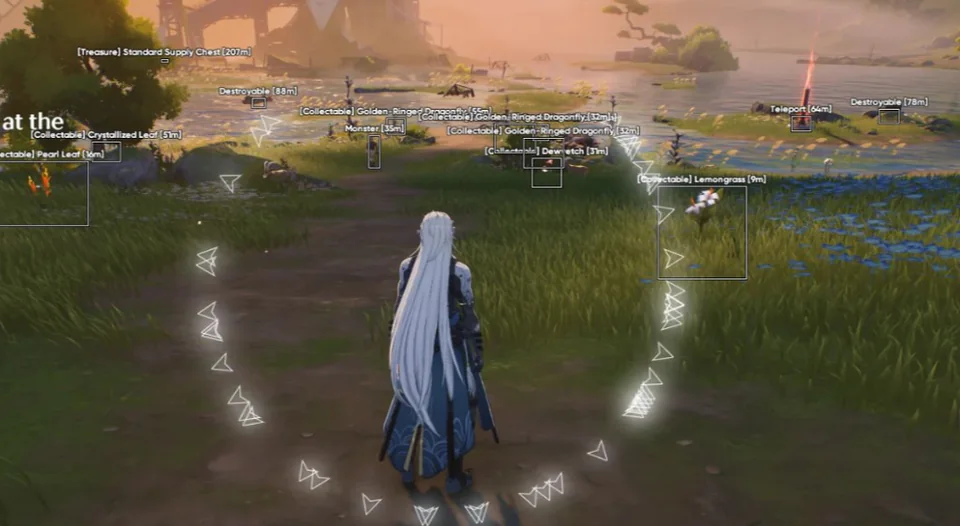
Most Wuthering Waves Cheats problems are one of five things: status, launch order, Windows, a stale loader, or an overlay you never tested.
Status
If the banner is offline, updating, or testing, stop. A game patch can kill the menu bind while an old loader still looks installed. Wait for an online note, then download the portal build. The setup guide is the order of operations after that.
The game window
Switch Wuthering Waves to borderless windowed. Close other overlays and RGB tools that hook the same window. Run the loader as administrator if the portal note says to. Start it after the main menu, not on the splash. Reboot once if you just added a Defender exclusion, then try again before you reinstall Windows.
The menu key
Confirm you are pressing the bind in the current build, not a bind from a preset saved before the patch. Load the conservative preset from the config guide. If the menu opens and the visuals are a mess, that is range and color, covered in the ESP guide, not a broken loader.
Capture and sharing
If a recording shows the overlay, fix that before you stream or post a clip. Test locally. The forum has threads on capture modes. A leaked overlay is a problem you can see. It is still not a reason to download a “fixed” build from a stranger.
When to write support
Email or Discord with the order email, Windows 10 or 11, how you launch the game, the exact loader text, and a screenshot. The support page checklist exists so tickets are not bounced. Refunds follow Terms. Change of mind and account penalties are not covered.
Questions about this guide
- The menu key does nothing after a patch. What now?
- Stop. Check the status banner. Download the current portal build when it says online. Do not keep pressing binds on an outdated loader.
- Windows Defender deleted the loader. Is that the game?
- It is Windows reacting to an unknown program. Restore only the portal copy, exclude that folder, and do not replace it with a file from chat.
Keep reading

Cloud DMA
Cloud DMA Software: What This Listing Does
Cloud DMA on this site is a single-PC Hyper-V layer for Wuthering Waves Cheats, not a second computer or a DMA box. Confirm the live listing before you pay.
Nov 21, 2026 4 min read
Read Cloud DMA guide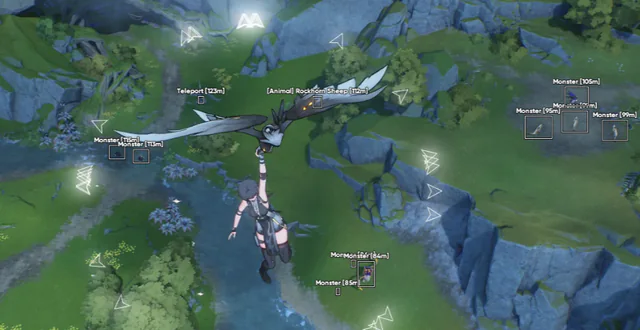
Buyer's Guide
Best Wuthering Waves Cheats in 2026: What to Check Before You Buy
A buyer's checklist for Wuthering Waves Cheats on PC: module lists, live status, loader delivery, and what to confirm before you pay.
Oct 22, 2026 4 min read
Read buyer guide
Settings
Wuthering Waves Aimbot Settings: FOV, Smoothing, and Bones
How to tune Wuthering Waves aimbot settings on PC: FOV, smoothing, bone selection, visibility checks, and distance caps without a hard snap.
Oct 18, 2026 4 min read
Read settings guide