Settings
Wuthering Waves Cheats Config Presets for Combat and Exploration
Sep 8, 2026 · Updated Nov 21, 2026 · 4 min read
How to save Wuthering Waves Cheats configs on PC: a tight combat FOV, a shorter city ESP range, and a longer radar for open routes.
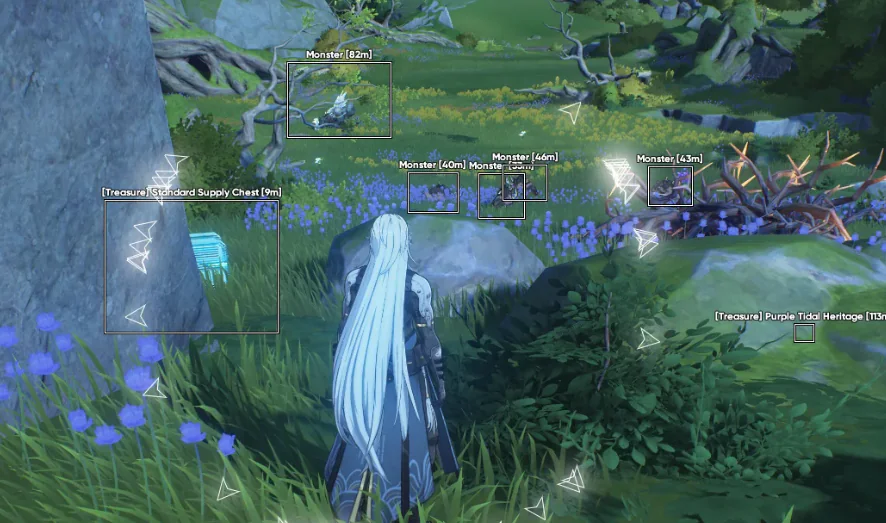
Config presets exist so you stop rebuilding FOV and ESP range every time you log into Wuthering Waves. The misc panel lists configuration save and load. Use it.
Two presets, not ten
Combat. Tight FOV, visible smoothing, visibility checks on, short ESP distance, skeleton off if the frame rate dips. This is the file you load before a boss or a crowded fight. The reasoning is in the aimbot settings guide.
Exploration. Aim assist can stay off or very narrow. Radar range can go longer. Item and object markers can come back on, because you are looking for pickups instead of parrying. If the screen fills up in a city, cut the item distance before you cut the radar.
Name them something you will recognize at 1 a.m. “Combat” and “Explore” beat “final_final2”.
When to switch
Load the combat file before you commit to a fight. Load the exploration file when you leave. Leaving the combat overlay on while you wander is how item labels and snaplines stack until you cannot see the road. The ESP guide is the longer version of that mistake.
Moving machines
Cloud save is listed. A local export is still cheaper insurance. Do it before an HWID reset or a Windows reinstall. Details are in the HWID guide.
If the menu will not open after a client update, skip presets until the portal build is current. Old sliders on a new loader are how people “tune” a menu that is not actually talking to the game. The setup guide covers launch order.
Questions about this guide
- How many presets do I need?
- Two is enough to start: one for combat and one for exploration. Add a third only after those two are actually different.
- Do presets survive a new PC?
- Export a local copy before you wipe a drive. Do not assume a cloud slot moved until you see it on the new machine.
Keep reading

Cloud DMA
Cloud DMA Software: What This Listing Does
Cloud DMA on this site is a single-PC Hyper-V layer for Wuthering Waves Cheats, not a second computer or a DMA box. Confirm the live listing before you pay.
Nov 21, 2026 4 min read
Read Cloud DMA guide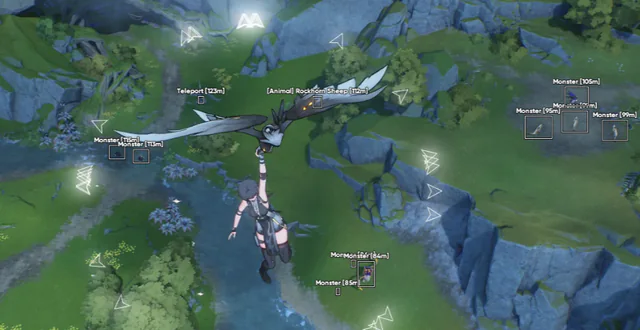
Buyer's Guide
Best Wuthering Waves Cheats in 2026: What to Check Before You Buy
A buyer's checklist for Wuthering Waves Cheats on PC: module lists, live status, loader delivery, and what to confirm before you pay.
Oct 22, 2026 4 min read
Read buyer guide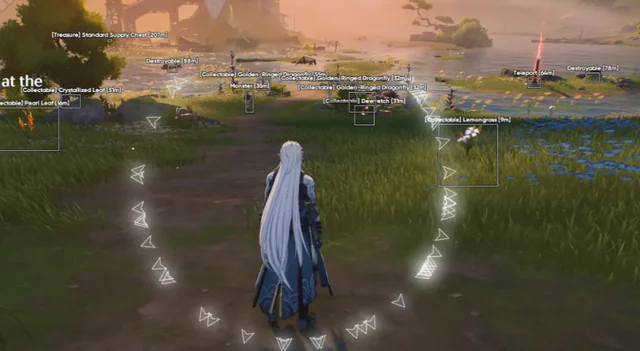
Settings
Wuthering Waves Aimbot Settings: FOV, Smoothing, and Bones
How to tune Wuthering Waves aimbot settings on PC: FOV, smoothing, bone selection, visibility checks, and distance caps without a hard snap.
Oct 18, 2026 4 min read
Read settings guide