Play
Wuthering Waves Combat and Exploration: Split Your Configs
Aug 16, 2026 · Updated Nov 21, 2026 · 4 min read
Use different Wuthering Waves Cheats configs for combat and exploration: tighter FOV in fights, longer radar on routes, and fewer labels in cities.
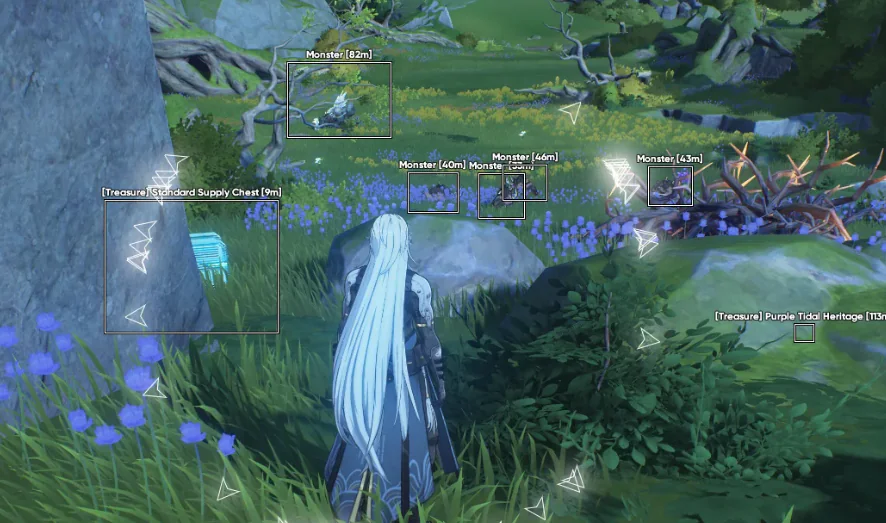
Wuthering Waves punishes one overlay in two different ways. A route config that paints every pickup will bury a dodge. A tight combat config will walk you past the chest you actually came for. The fix is two presets, not two purchases.
Combat
Bosses and crowded fights want a short ESP range, one box style, and an aimbot FOV you can see the edge of. Smoothing stays on. Visibility checks stay on. Skeleton is the first layer to disable if the frame rate falls. You are reading one or two targets, not the whole map.
Load this file before you commit. The sliders themselves are in the aimbot guide.
Exploration and cities
Open routes can take a longer radar. Item markers earn their place when you are looking for resources. In a city, cut that distance back. Labels stack on stairs and doorways faster than they do on a plain. Enemy radar can stay if it is not shouting over the pickups you care about.
Co-op adds other players. Team filters on the aimbot, and a calmer player ESP color, keep partners from looking like hostile boxes. If you only want information, turn aim assist off in the menu instead of buying a different product. Both groups ship on Complete.
Switching without thinking
Name the files and use them. The preset guide is the save/load detail. Leaving the combat file on while you explore is the usual reason the screen feels “broken” when the loader is fine.
Risk does not drop because the activity felt casual. Read account risk before you treat material runs as harmless.
Questions about this guide
- Do I need a separate product for exploration?
- No. Complete is one key. Save two presets and load the one that matches what you are doing.
- Is exploration use lower risk?
- No. The tool is still running. Risk does not change because you were gathering materials.
Keep reading

Cloud DMA
Cloud DMA Software: What This Listing Does
Cloud DMA on this site is a single-PC Hyper-V layer for Wuthering Waves Cheats, not a second computer or a DMA box. Confirm the live listing before you pay.
Nov 21, 2026 4 min read
Read Cloud DMA guide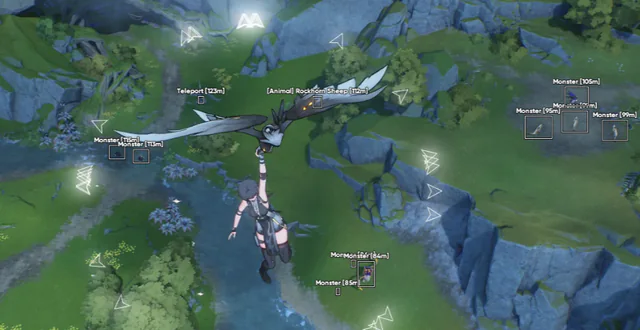
Buyer's Guide
Best Wuthering Waves Cheats in 2026: What to Check Before You Buy
A buyer's checklist for Wuthering Waves Cheats on PC: module lists, live status, loader delivery, and what to confirm before you pay.
Oct 22, 2026 4 min read
Read buyer guide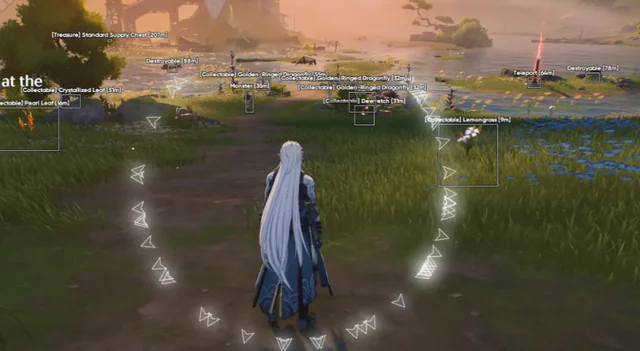
Settings
Wuthering Waves Aimbot Settings: FOV, Smoothing, and Bones
How to tune Wuthering Waves aimbot settings on PC: FOV, smoothing, bone selection, visibility checks, and distance caps without a hard snap.
Oct 18, 2026 4 min read
Read settings guide